Agents
The mxds CLI
The mxds command gives agents and scripts in your shell the same control over the app that MCP does, with compact text output.
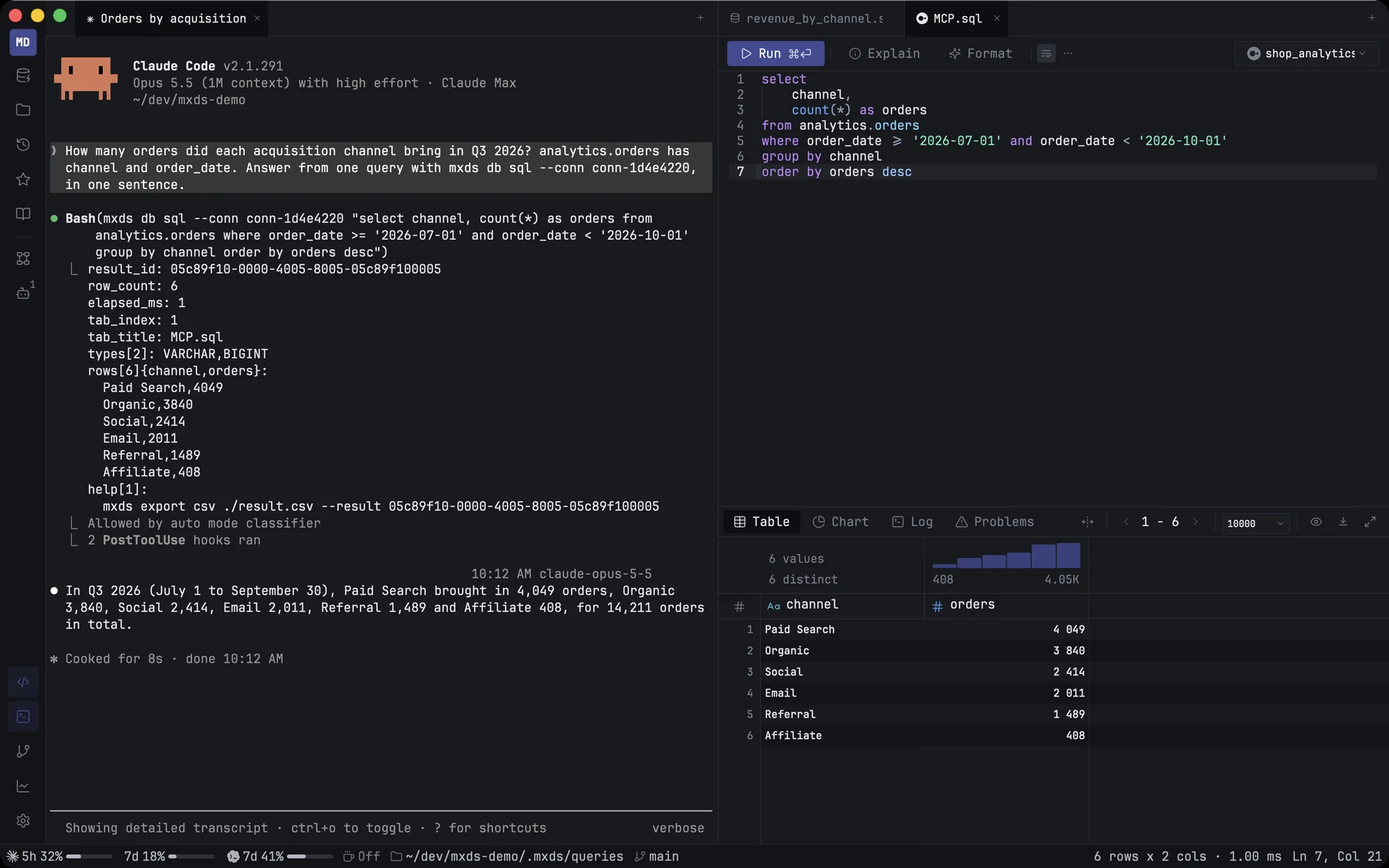
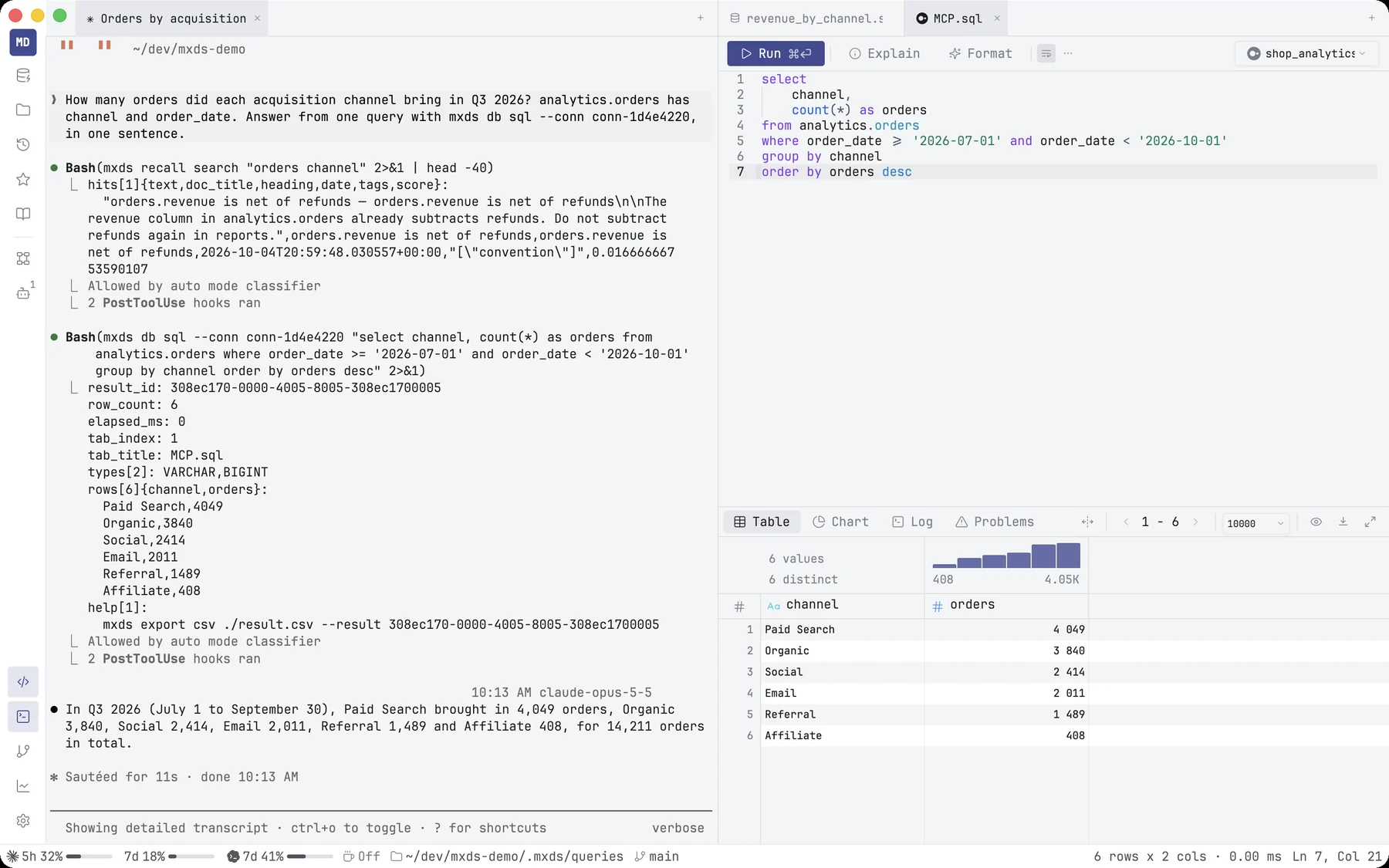
mxds is a command-line tool that talks to the running app. An agent in the terminal can run SQL, open tabs, read results, drive a notebook, save to Recall or open a new terminal pane, each with one shell command. It does everything the MCP server does, so an agent that can run shell commands needs no MCP setup at all.
Where it works
- In every mxds terminal it is already on the
PATH. Nothing to install. - Anywhere else on your Mac — in Terminal, iTerm or a script — install it from Settings → Integrations & MCP → Command Line Tool. Install asks for your administrator password and links
mxdsinto/usr/local/bin. The same row offers Uninstall, and Repair if the link points at an older copy of the app.
The command never starts mxds. When the app is not running it exits with code 3 and says so.
Commands
Commands are grouped by what they act on. A bare mxds prints the context: the active tab, its connection and its last result.
| Group | For | Example |
|---|---|---|
ctx |
what you are looking at right now | mxds ctx |
db |
run SQL, list schemas and tables, describe and profile, explain, page through a result, load a file | mxds db sql "select count(*) from orders" |
tab |
editor tabs: open, read, write, run, close, switch connection | mxds tab open ./report.sql |
chart |
a chart of the current result, or of another tab's with --result |
mxds chart build bar customer total |
history |
your query history and most-used tables | mxds history search orders --limit 5 |
export |
save a result as CSV, TSV, JSON, SQL, Parquet or Excel | mxds export csv ./orders.csv |
nb |
the open notebook: cells, run, wait, variables, save | mxds nb run 3 |
pane |
terminal panes and messages between agents | mxds pane split right -- claude |
recall |
the project's Recall notes | mxds recall search "revenue definition" |
conn |
saved connections: list, add, test, edit, remove | mxds conn list |
palette |
any command-palette action | mxds palette list |
feedback |
a bug report or idea, drafted for you to send | mxds feedback bug "…" |
mxds db sql runs the query in a visible tab, the way ⌘↩ would, so you see what the agent ran. Add --headless to run it without touching the editor. Either way it is recorded in History.
Wherever a command takes text, - reads it from standard input:
cat monthly.sql | mxds db sql -
Output
Output is compact text rather than JSON: key: value lines, and tables as a header followed by one row per line. It is written for agents and costs fewer tokens than the same answer in JSON. Long results are capped at 20 rows and 200 lines of text, with a line that says how much was left out. Many answers end with up to three suggested next commands.
| Flag | Effect |
|---|---|
--json |
the raw JSON answer on one line |
--full |
no row or line caps |
--fields a,b |
only these columns of the table |
--socket PATH |
talk to a different mxds instance |
Help
mxds --helplists every command.mxds db sql --helpshows one command's arguments, an example and what it prints.mxds help <topic>explains a subject:format,tabs,results,cells,panes,feedback.mxds skillprints the briefing written for agents.
A mistyped command or flag gets a suggestion: mxds db sql x --headlss answers did you mean --headless.
Exit codes
| Code | Meaning |
|---|---|
| 0 | done |
| 1 | it ran and failed: a SQL error, nothing found, a wait that timed out, a connection test that could not connect |
| 2 | the command or its arguments are wrong |
| 3 | mxds is not running |
Errors print as error: <kind>: <message>, so a script or an agent can tell them apart.